Skip to content
Log inStart for free

The cash register for sports events

Take payments quickly for drinks, snacks and merchandise at your matches, tournaments and competitions. Tunder works offline, on your phone.

Free forever · No credit card required

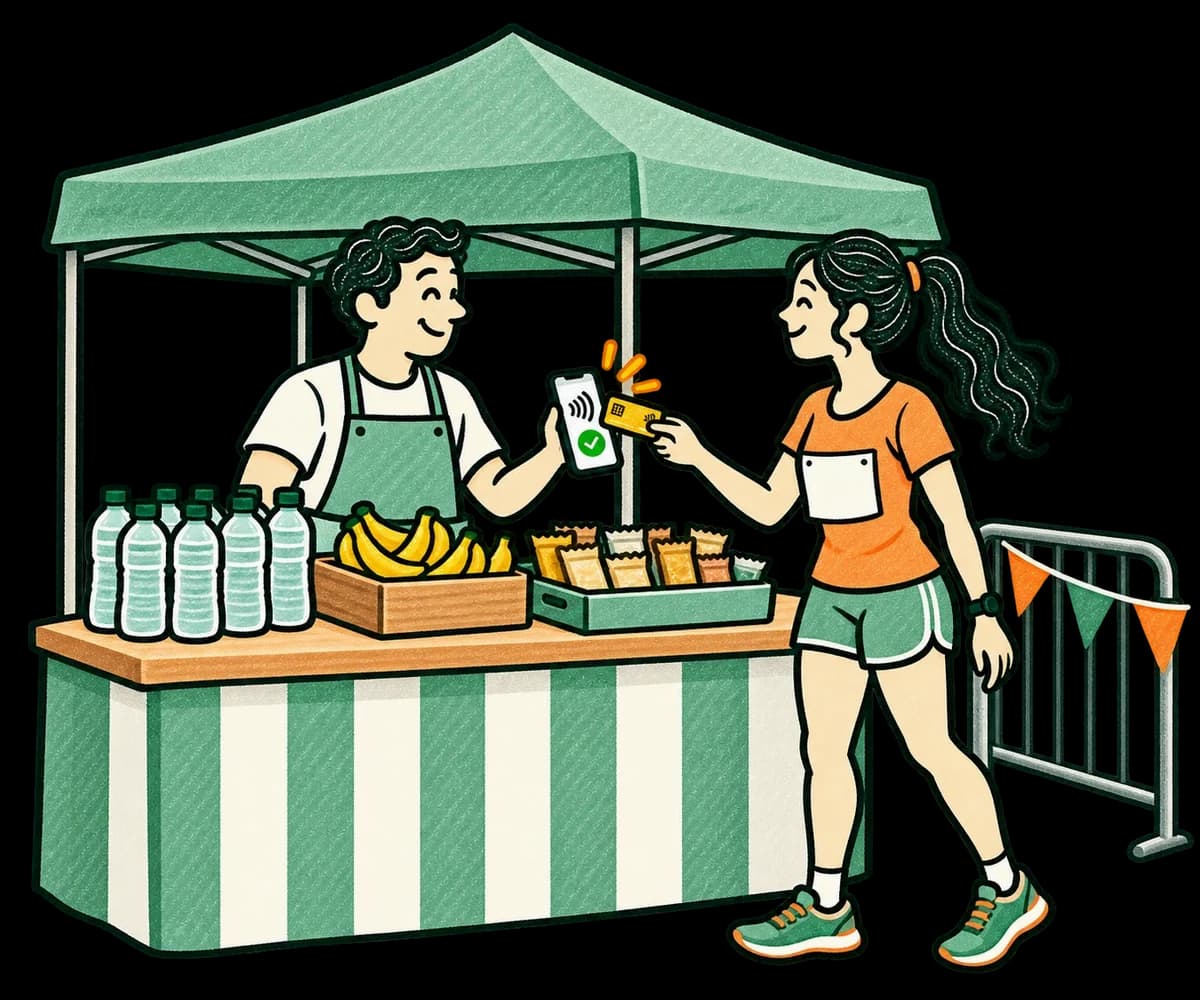
Illustration: at a refreshment stand under a green tent, with water bottles, bananas and energy bars, a seller holds their phone while a runner pays by contactless card

Made for half-time

Ultra-fast checkout

Take payments for drinks, snacks and merchandise in seconds, even during the half-time rush.

No network at the stadium

No Wi-Fi in the stands? Tunder keeps working normally and syncs as soon as the connection is back.

Drinks, snacks and merchandise

Manage your items in the app: drinks, sandwiches, shirts, accessories. Everything in one place.

  • No training needed
  • Free, with no commitment
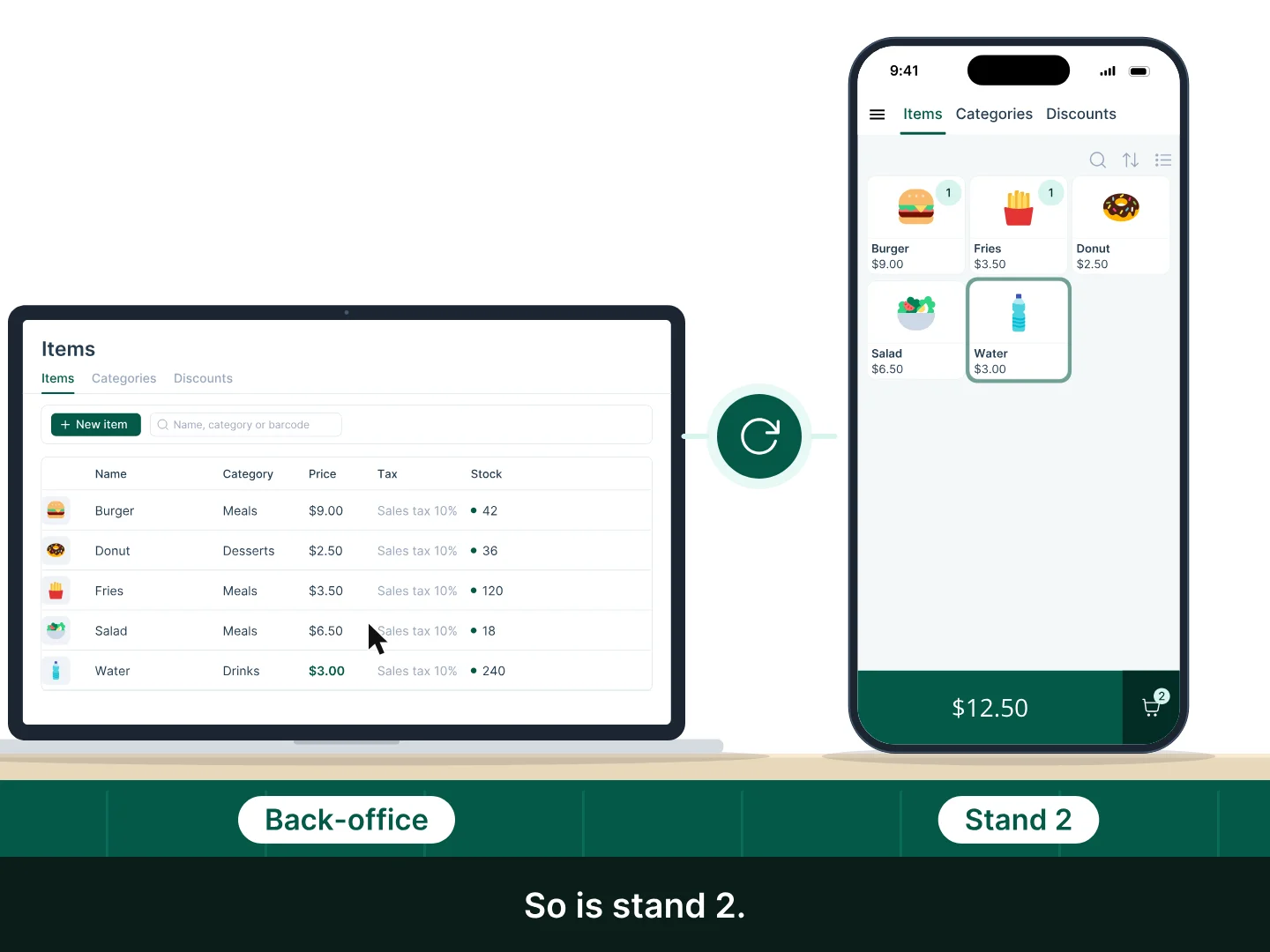
On a MacBook, the Tunder Back-office changes the price of the "Water" item from $2.50 to $3.00 and saves it; the update instantly reaches the phone of stand 1, then the phone of stand 2.

Change your prices across all your stands in one go

Edit a price or an item from the Back-office on your computer: all your stands are up to date right away, with nothing to redo on each device.

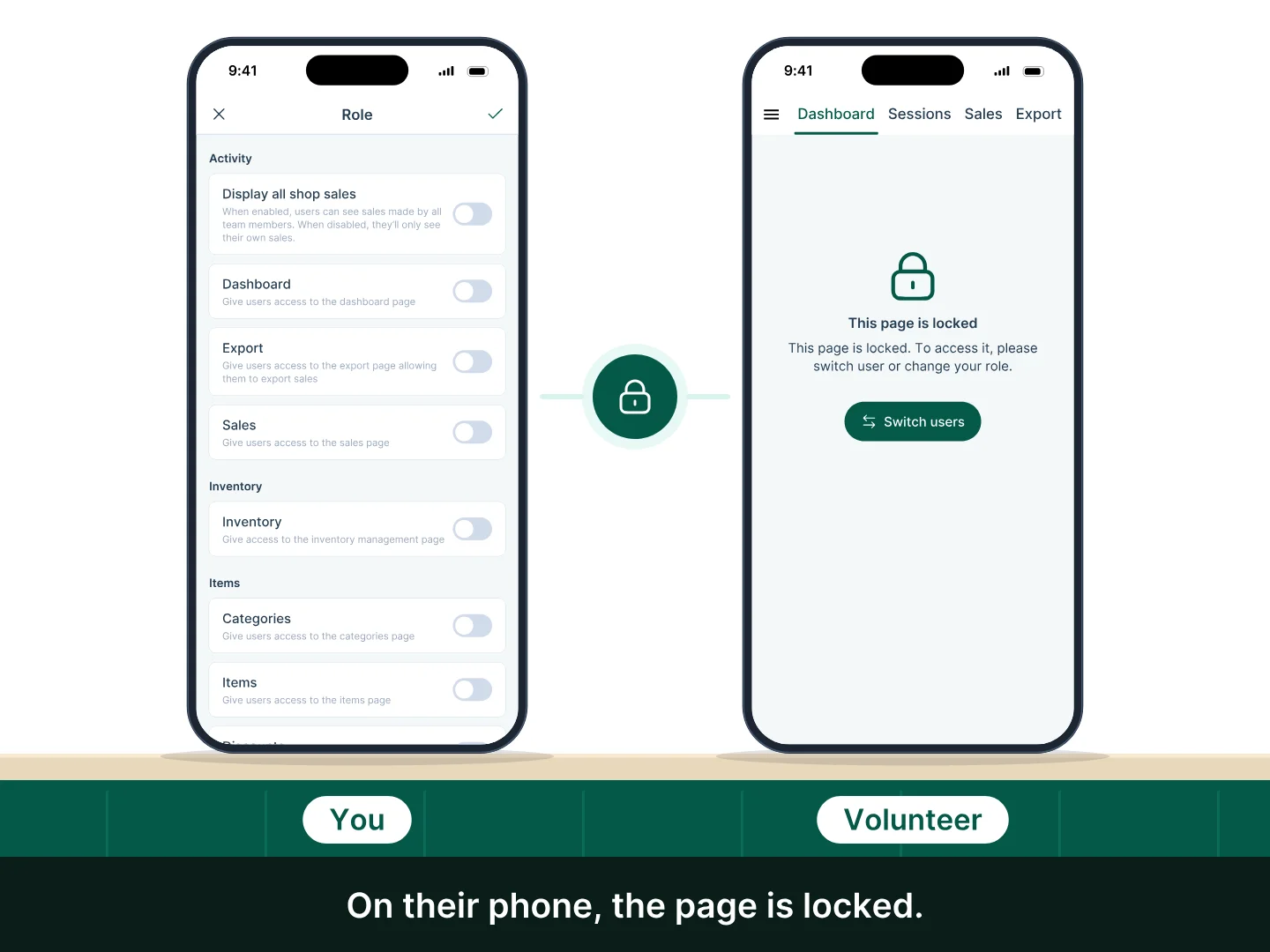
The manager opens the "Role" page of the Tunder app and switches off the dashboard, export and session closing for the "Volunteer" role; on the volunteer's phone, the dashboard page is instantly locked: "This page is locked".

Manage user access during your events

Create a profile for each team member and choose what each one can see or do: dashboard, exports, closing the register. A PIN code protects each access.

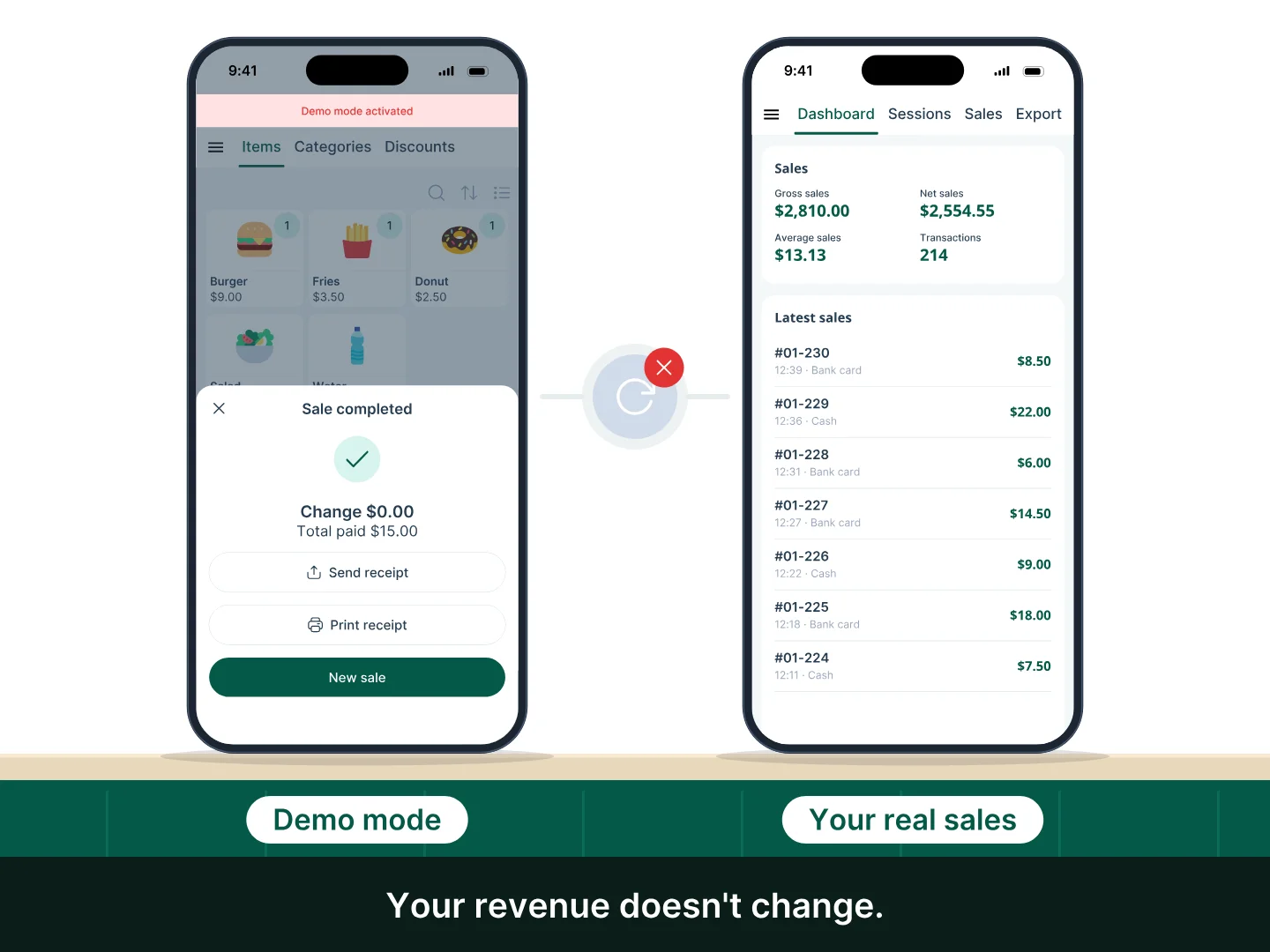
The register is in demo mode, with the red "Demo mode activated" banner: a $15.00 practice sale is completed, and on the real shop's dashboard the revenue stays at $2,810.00.

A demo mode to practice

Train your teams before kick-off: in demo mode they make practice sales, with no impact on your revenue or your sales history.

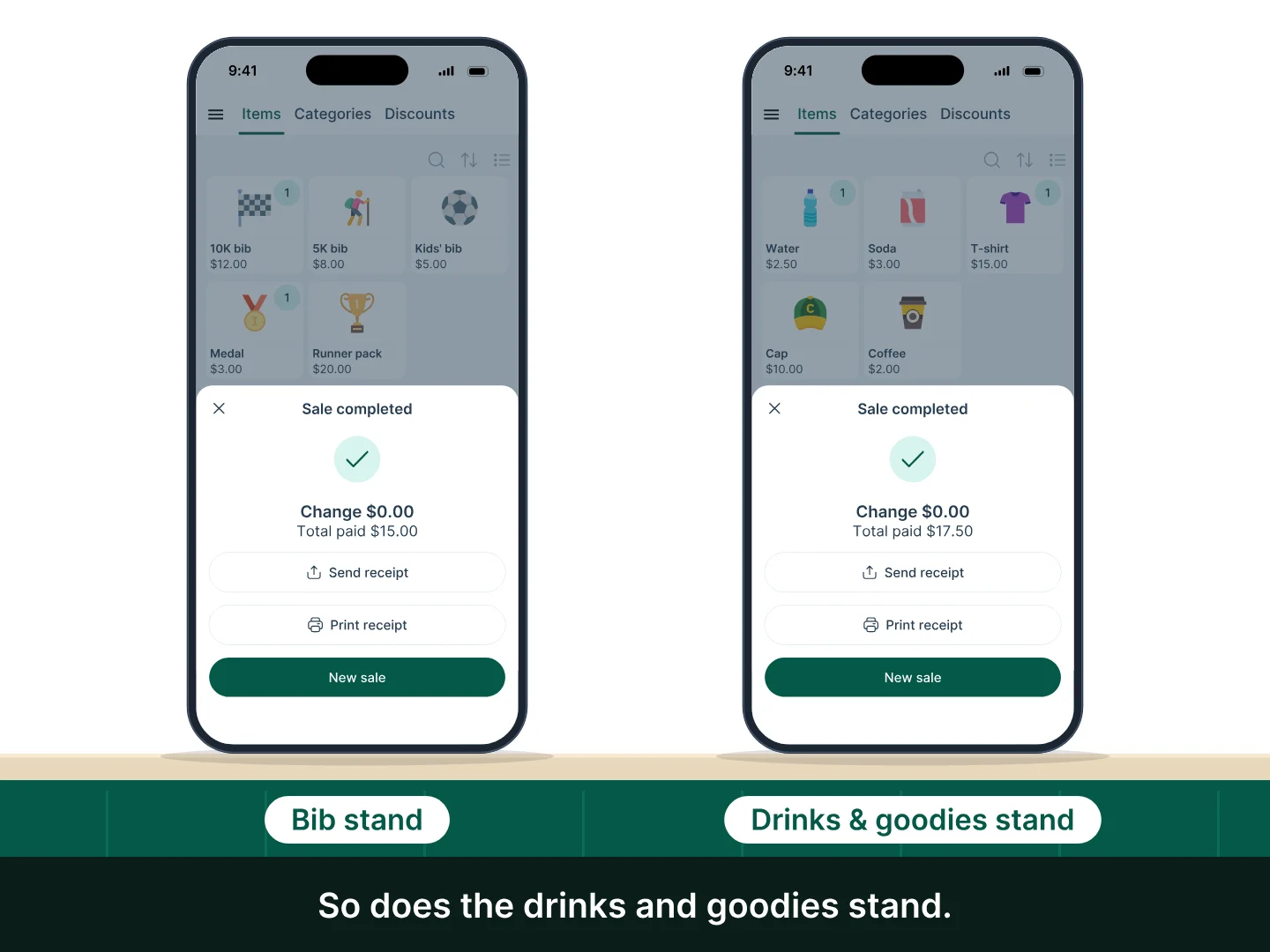
Two stands, bibs and drinks & goodies, each complete a sale on their own register; both registers then sync with the organizer's device, whose dashboard shows both sales at the top of the latest sales and revenue going from $2,810.00 to $2,842.50.

Several stands, one tool

Install Tunder on several tablets or smartphones: each stand works on its own and sales are gathered in your account.

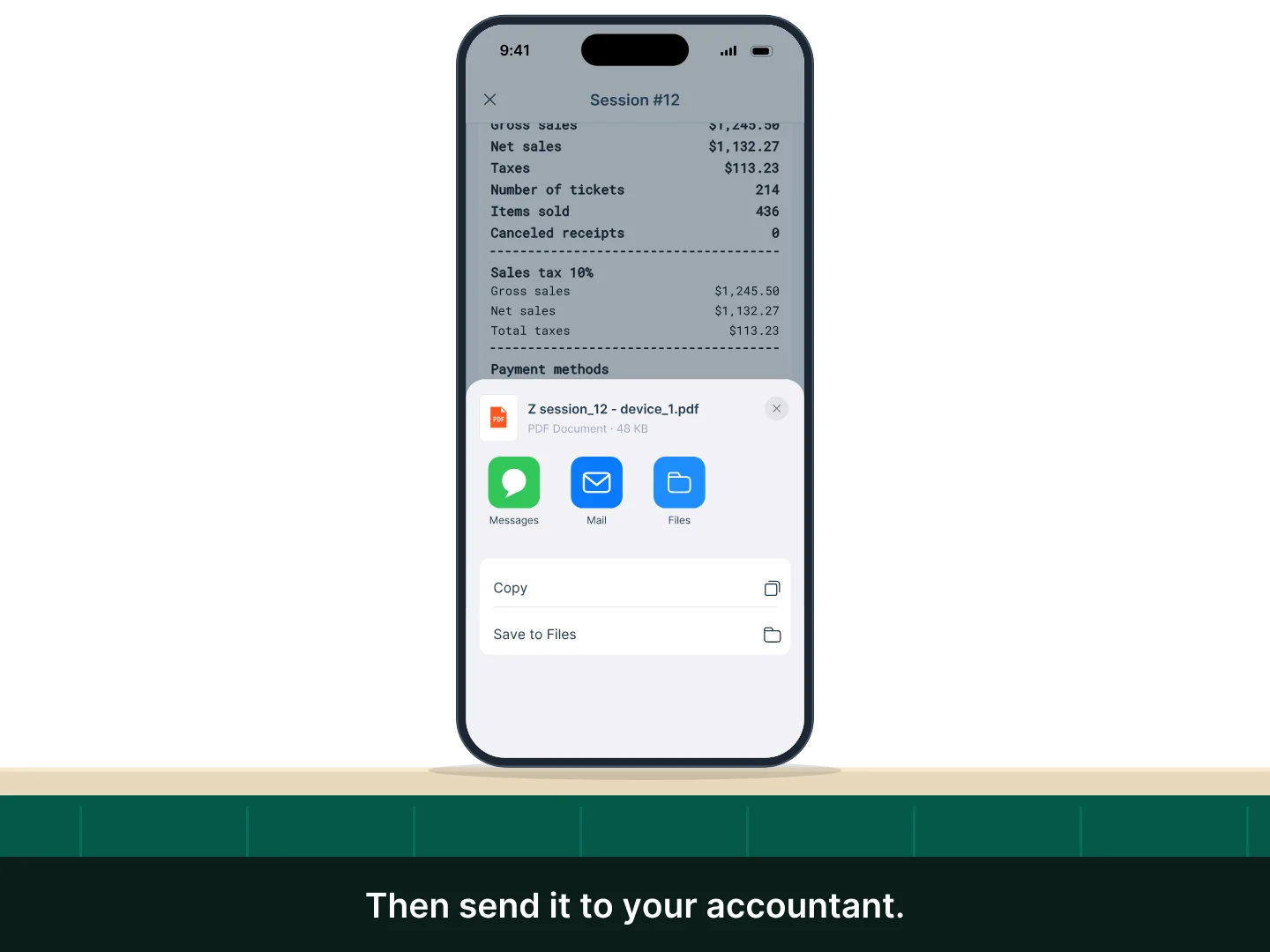
The event's session Z report shows in the app; the cash in the drawer is counted and the session is closed; then the Z report is emailed as a PDF to the accountant.

Sales reports after the event

Check your cash reports after every match or tournament to analyze your sales and prepare your next events.

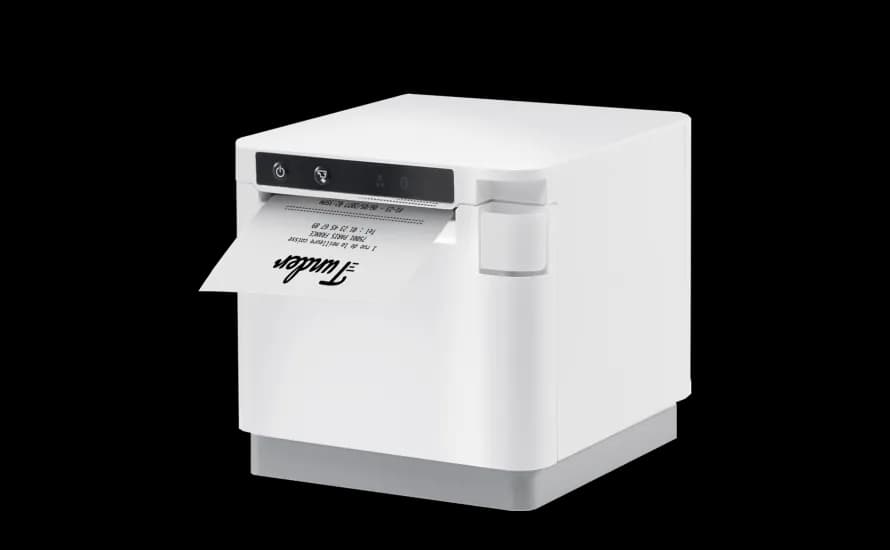
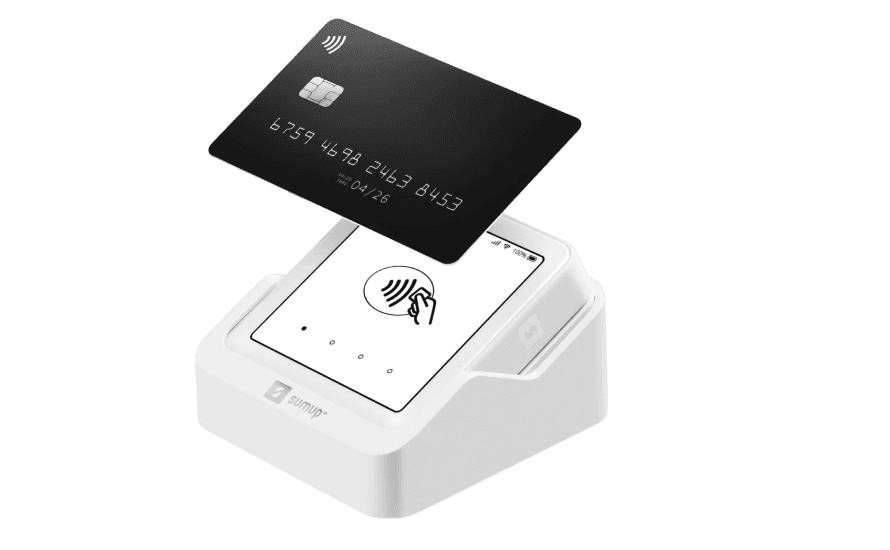
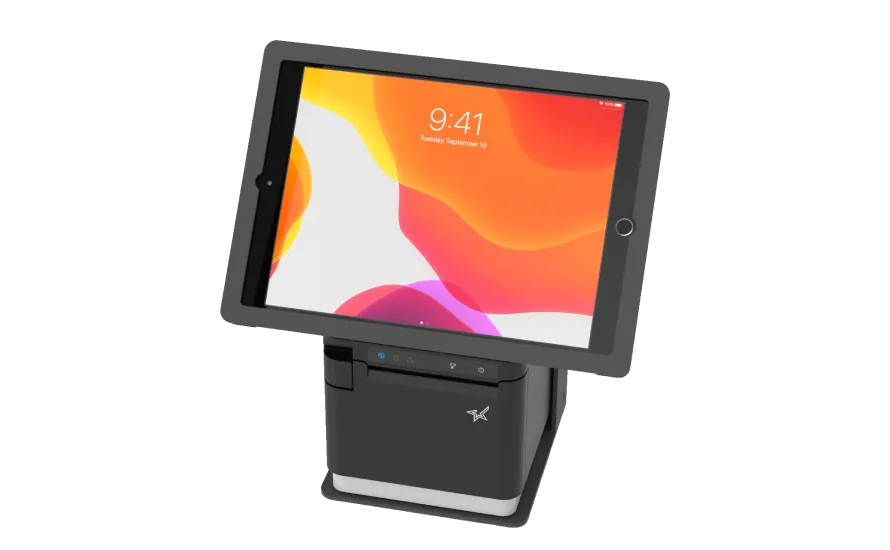
Hardware for sports events

See all hardware

They sell with Tunder

4.7/5★★★★★

Average rating on the App Store and Google Play, with over 200,000 downloads.

★★★★★
“I tried several checkout apps and Tunder is really the best. I have already made more than 2,000 sales.”
Gaëtan
★★★★★
“Unlimited catalog, sales tracking and cash journal, for free. Ideal for a fixed or mobile business.”
Casse la Baraque

Frequently asked questions

Another question? Visit the help center

Is Tunder really free?
Yes. The free version has no time limit. The Premium subscription adds advanced features, with no commitment.
Does the app work without an internet connection?
Yes. Everything works offline: your data is saved on the device and synced as soon as you get a connection back.
Which devices does Tunder run on?
On iOS (iPhone, iPad) and Android: one app for all your devices.
Can I manage several stands?
Yes, with the Premium subscription, you can install Tunder on as many devices as needed. Each stand works on its own and sales are gathered in your account.

Launch your register before kick-off

Download Tunder, create your items, take payments.

Free forever · No credit card required
Download Tunder

Scan the QR code with your phone.

Or get the app on the App Store or Google Play.

No credit card required · Free forever