Skip to content
Log inStart for free

The mobile cash register for your fairs and festivals

Maximize your sales at your events with a simple, efficient app.

Free forever · No credit card required

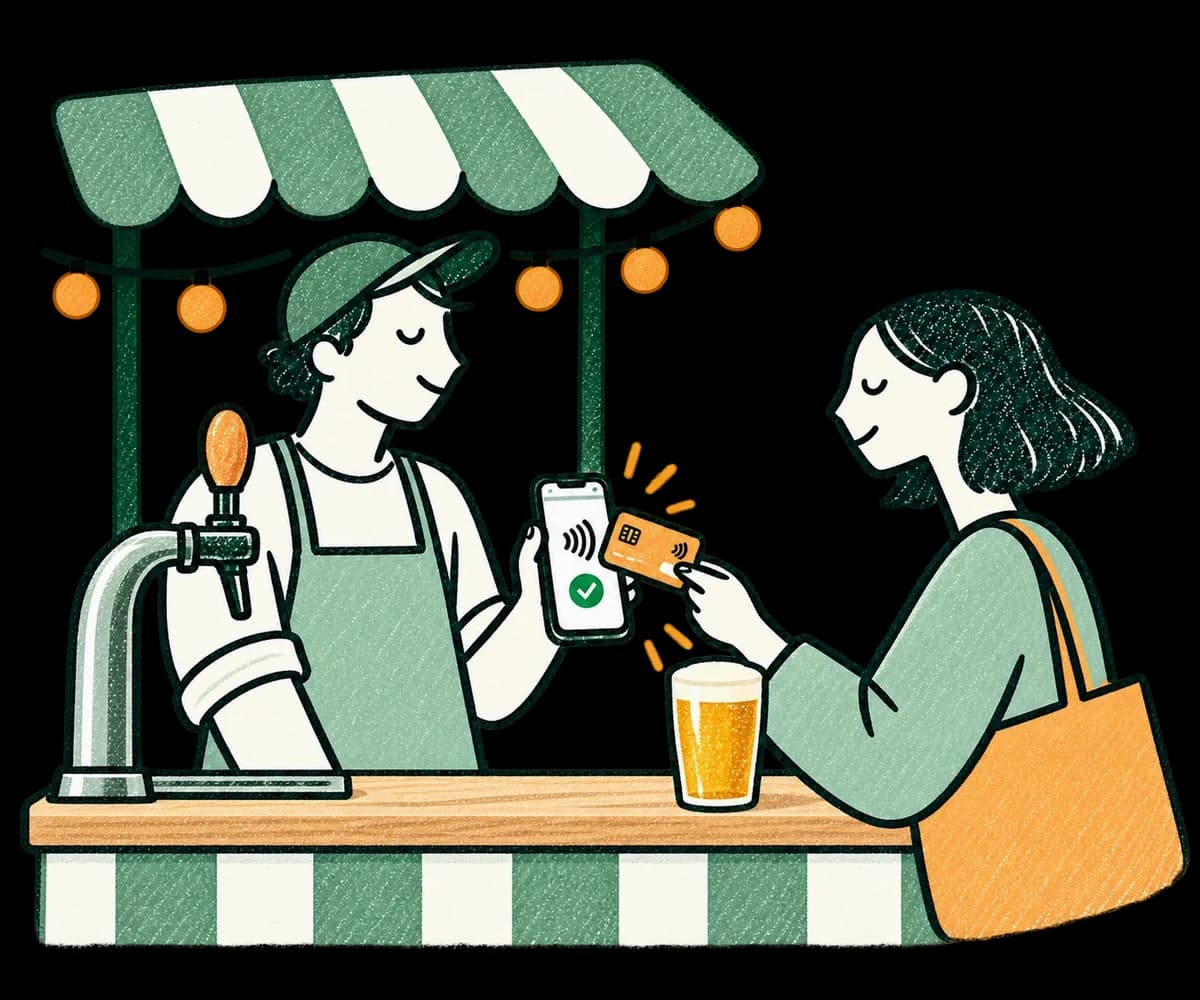
Illustration: at a green-striped festival stand, a seller holds their phone while a customer pays for a drink with a contactless card

Made for events

Several stands, one app

With the Premium subscription, run each stand as an independent shop, with its own items, prices and discounts. Switch between them in an instant.

Manage deposits

Set negative prices: when a customer returns a cup, one tap refunds the deposit.

100% offline

Take payments without a network: your sales are saved on the device and sync as soon as the connection is back.

  • No training needed
  • Free, with no commitment
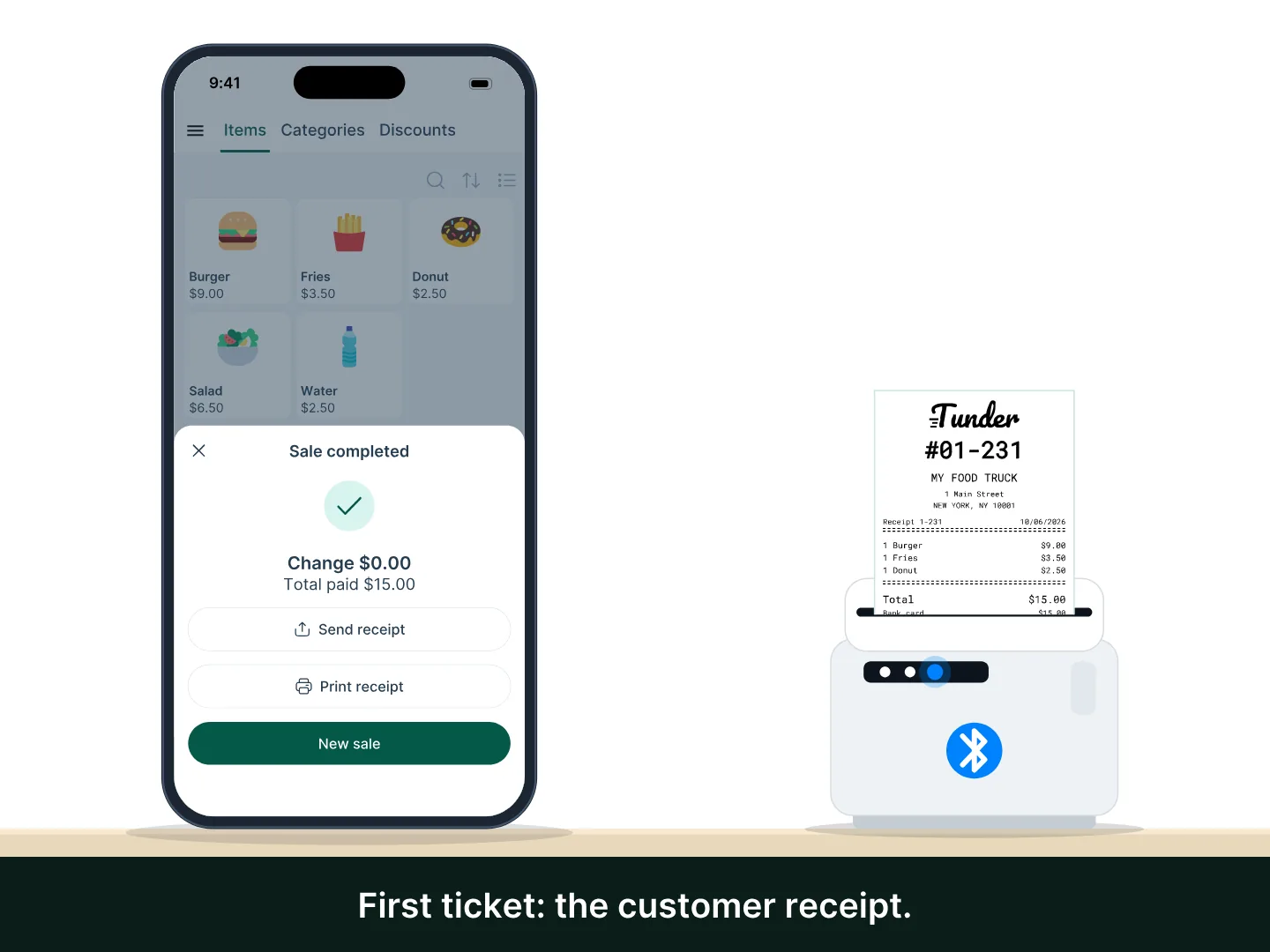
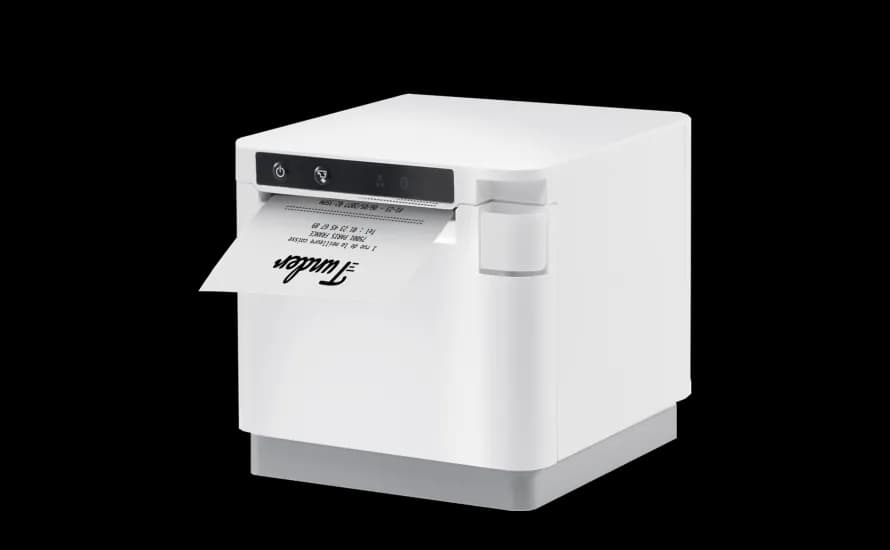
A Tunder phone completes a sale: the thermal printer first prints the customer receipt with the order number in large type, then the kitchen order ticket, on the same printer.

Print kitchen tickets

Automatically send order tickets to the kitchen from your phone or tablet.

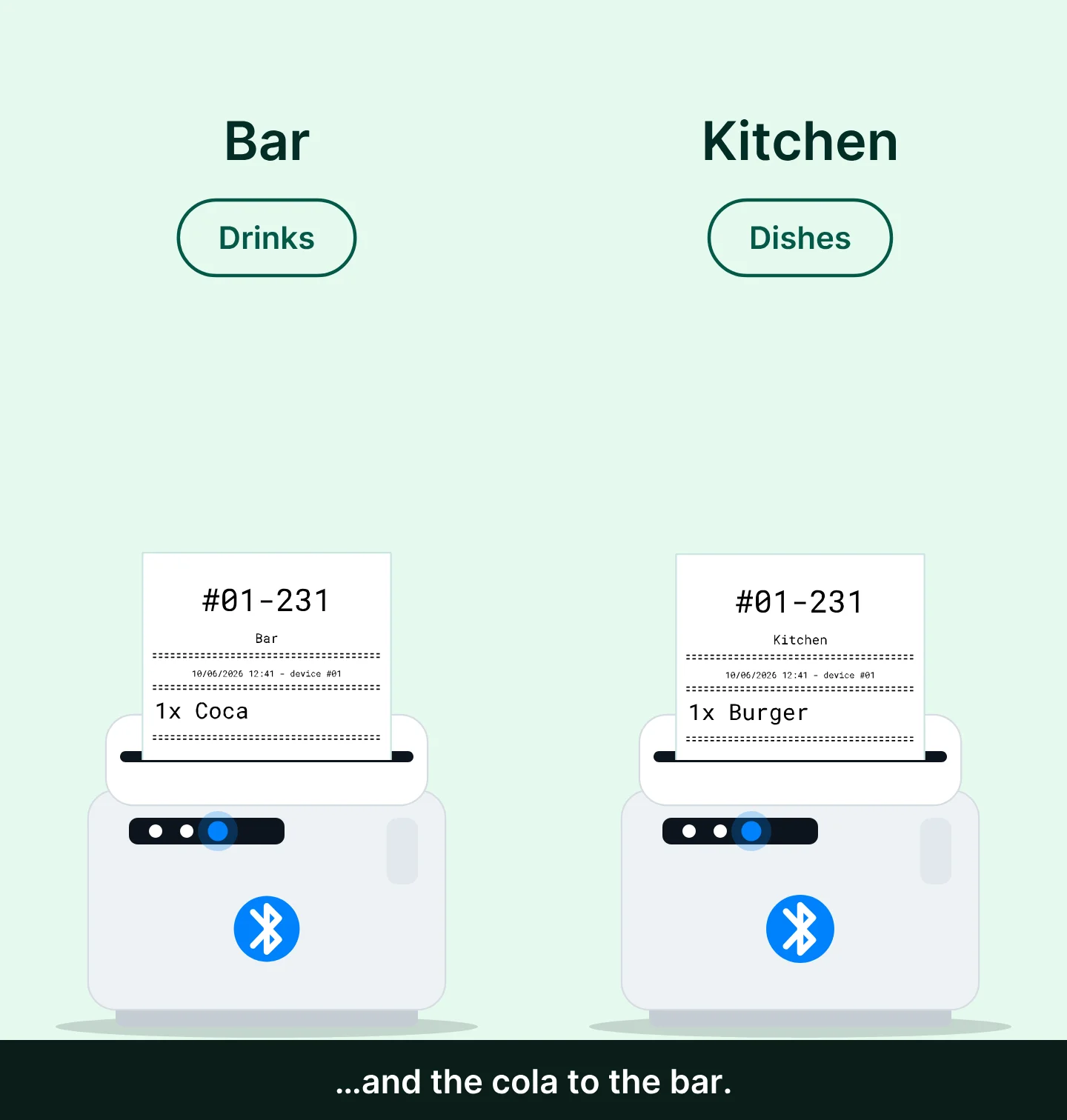
A sale of a burger and a cola from a single register: the "Kitchen" ticket with the burger prints on the kitchen printer, and the "Bar" ticket with the cola prints on the bar printer.

Print from a central register

Record orders at one register, then print one ticket per item: customers collect their order at the bar or the sandwich stand.

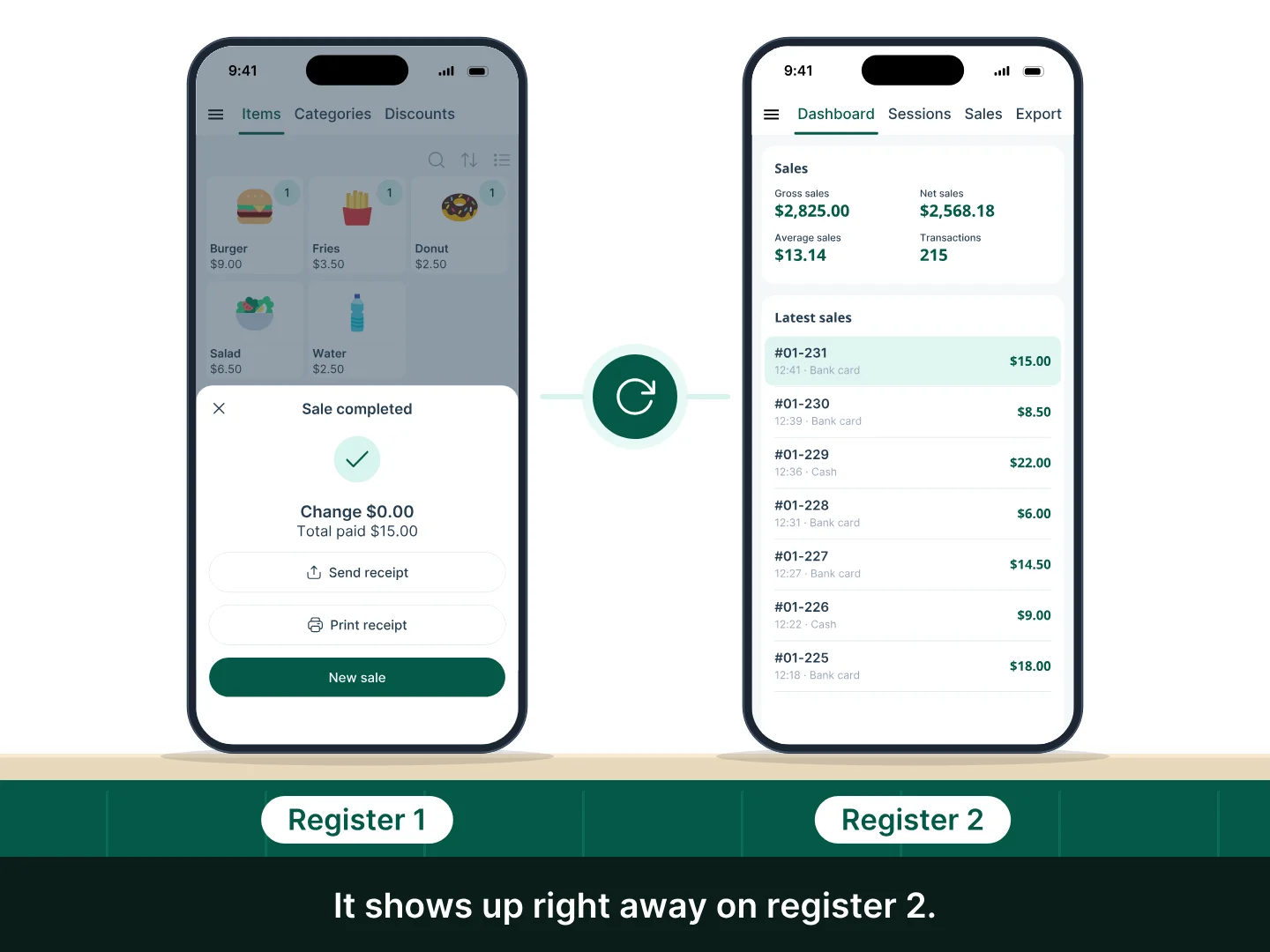
Two phones on a counter, "Register 1" and "Register 2": register 1 completes a $15.00 sale, a sync badge lights up, and on register 2 the sale appears at the top of the latest sales list while the day's total goes from $2,810.00 to $2,825.00.

Sync several devices

Connect your tablets or phones, iOS or Android: all your sales sync in real time.

See all features
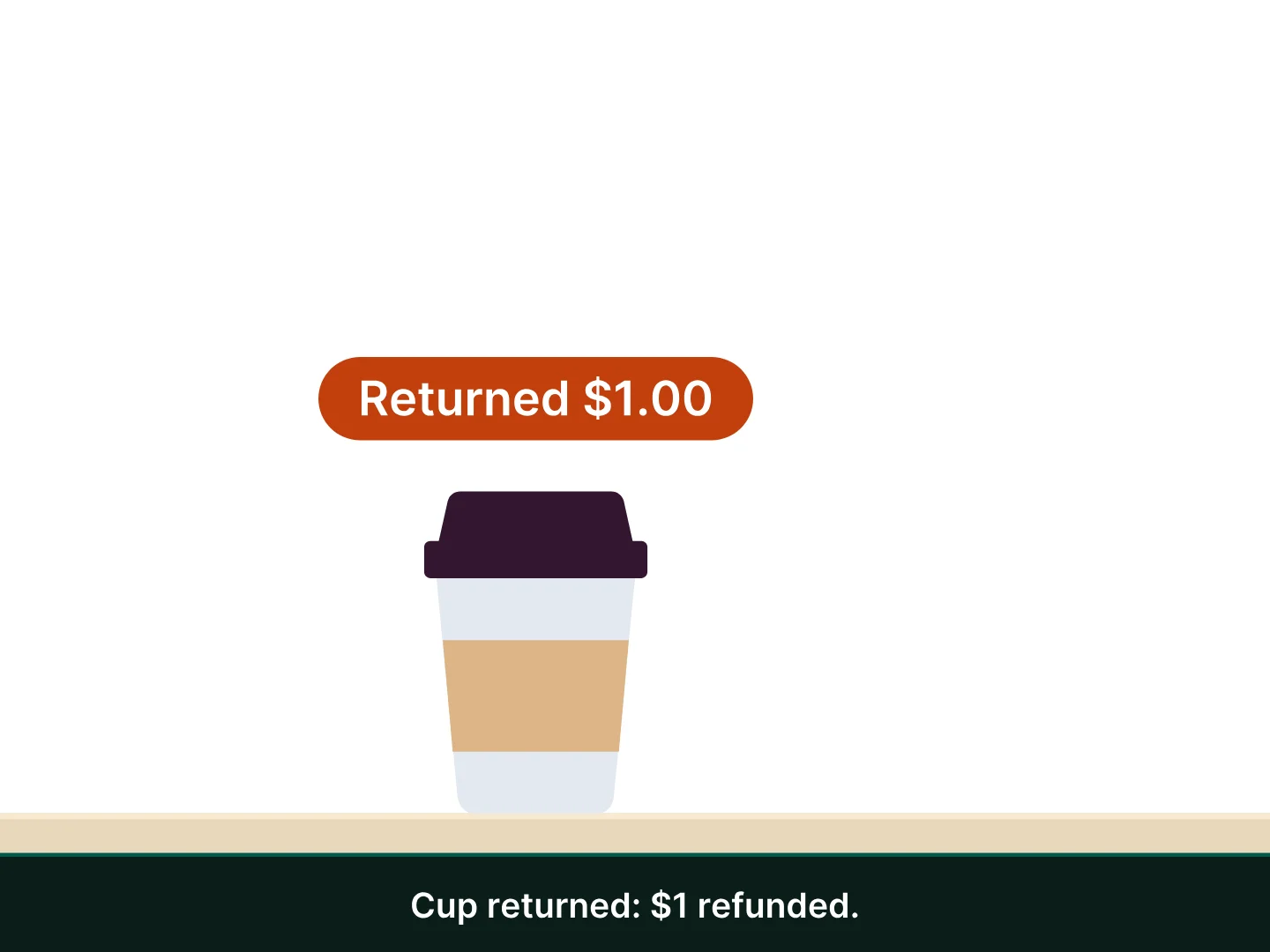
A register phone, then a counter, in close-ups: one tap on “Cup” ($1.00) completes the sale, the cup arrives on the counter and is slid to the right until it disappears; the customer brings the cup back from the right onto the counter; then one tap on “Cup returned” (-$1.00) records the refund, and a “Returned $1.00” tag appears on the cup.

Handle cup deposits

Perfect for reusable festival cups: set negative prices and, when a customer returns a cup, one tap deducts the deposit.

Hardware for festivals

See all hardware

They sell with Tunder

4.7/5★★★★★

Average rating on the App Store and Google Play, with over 200,000 downloads.

★★★★★
“I tried several checkout apps and Tunder is really the best. I have already made more than 2,000 sales.”
Gaëtan
★★★★★
“Unlimited catalog, sales tracking and cash journal, for free. Ideal for a fixed or mobile business.”
Casse la Baraque

Frequently asked questions

Another question? Visit the help center

Does Tunder work without a network at a festival site?
Yes. The whole app works offline and your data syncs as soon as you get a connection back.
Can I manage several stands?
Yes. Each stand is a shop with its own items, prices and discounts, and the Premium subscription lets you have several.
Do I need special hardware?
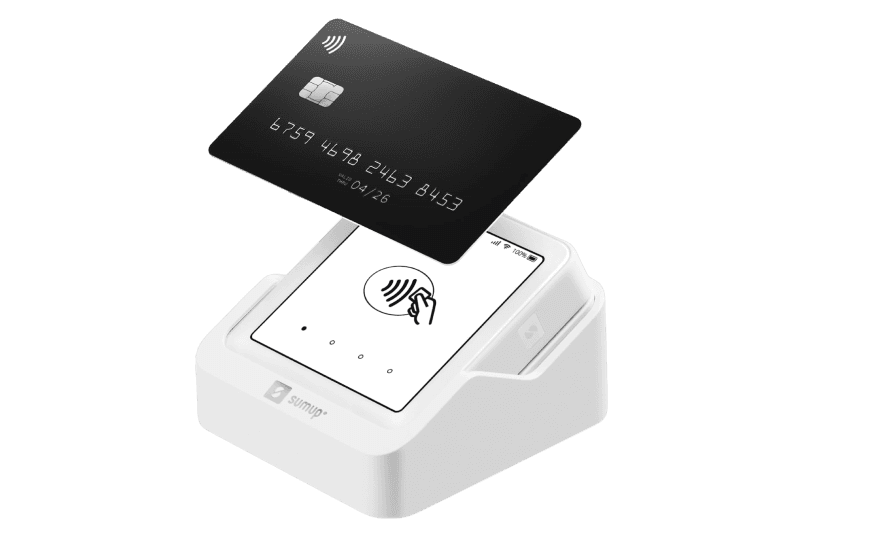
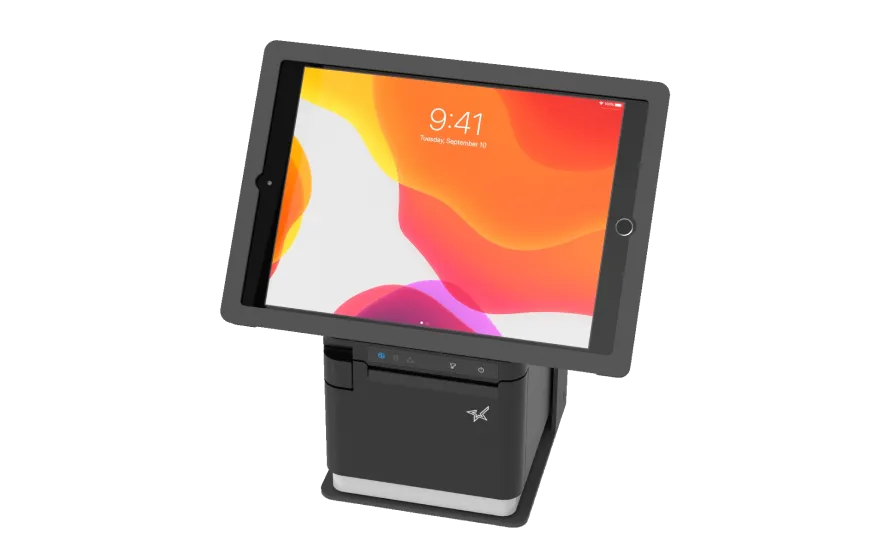
No. A phone or tablet running iOS 15 or later, or Android 7 or later, is enough. A printer, cash drawer and barcode scanner are optional.
How do I handle cup deposits?
Create an item with a negative price. When a customer returns a cup, add it to the ticket: the deposit is deducted.

Launch your register before the festival opens

Download Tunder, create your items, take payments.

Free forever · No credit card required
Download Tunder

Scan the QR code with your phone.

Or get the app on the App Store or Google Play.

No credit card required · Free forever